
Managing Watches
Editing a Watch
Update watch details for better matching
Last updated February 25, 2026
Editing a Watch
Keep your watches updated for the best results.
How to Edit
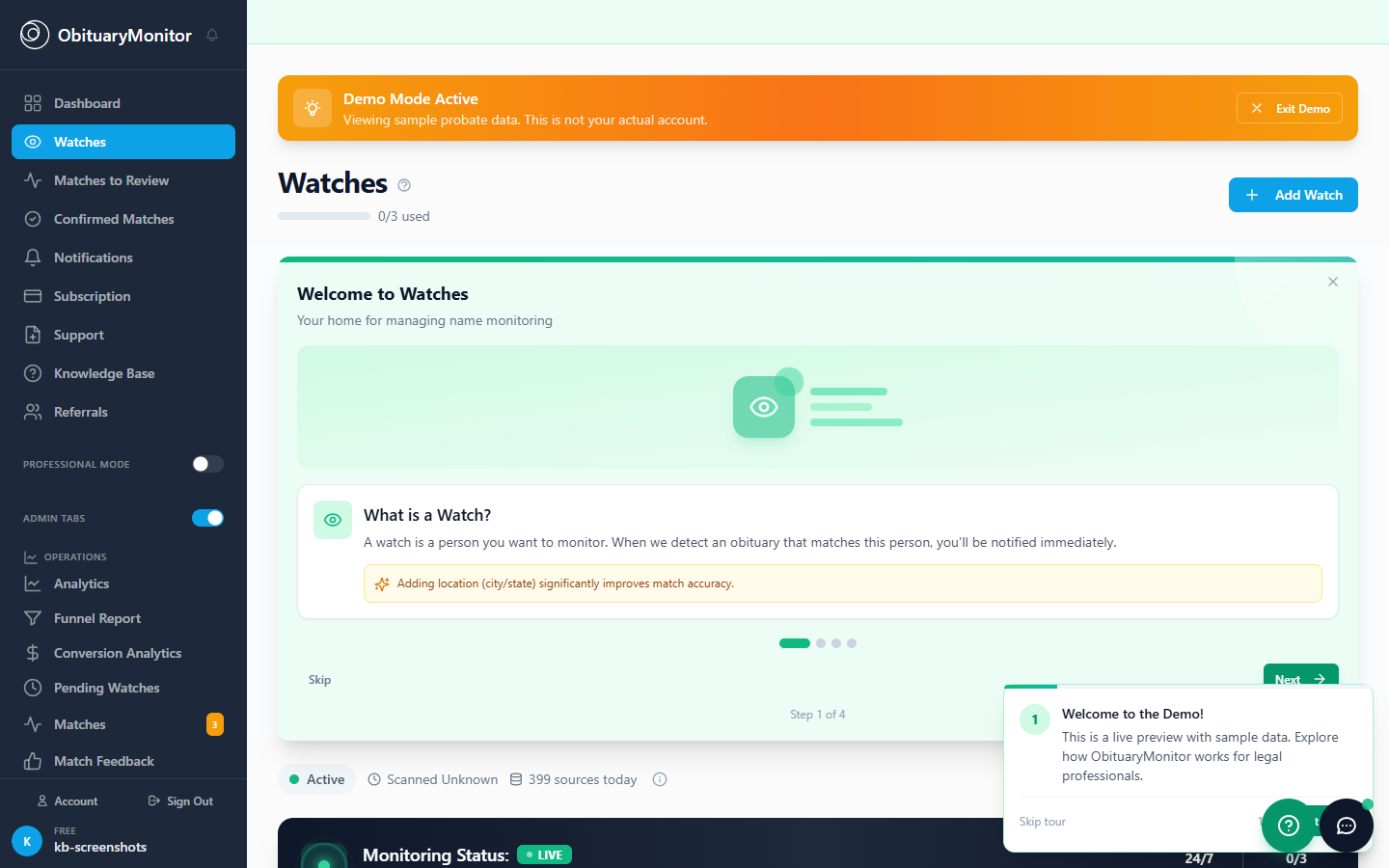
- Go to Watches page
- Click on the watch card
- Click "Edit" button
- Update information
- Click "Save"
What You Can Edit
- First, middle, last name
- State, city, county
- Approximate age
- Relatives' names
- Internal notes
When to Edit
- Person moved to new state
- You learned more details
- Want to add relatives
- Matching isn't working well
Adding Secondary Locations
If the person may have moved:
- Edit the watch
- Click "Add Secondary Location"
- Enter additional state
- We check all locations for matches
Was this article helpful?
