
Professional
Bulk import and export watches
Add many watches from a CSV, or download your watch list.
Last updated October 8, 2026
Plan: Professional · For: Firms · Time: 5 min
Import watches from a CSV
- In the sidebar, select Bulk Import/Export. The page shows how many watch slots you have available.
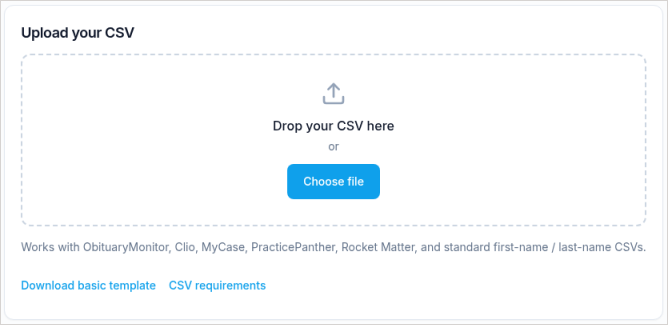
- Select Download basic template, or use an export from your practice-management system. We recognize exports from Clio, MyCase, PracticePanther, and Rocket Matter automatically.
- Fill in one person per row. The template columns are:
first_name, last_name, middle_name, date_of_birth, city, state
- Optional case columns:
case_number,case_name,client_name,case_type,internal_notes,priority_level,assigned_to,date_of_interest,deadline_date. - Drag the file onto Drop your CSV here, or select Choose file, then check the preview.
- To link rows to cases, choose to associate cases. Rows with both
case_nameandcase_numberare linked to that case, and the case is created if it doesn't exist. - Import.

Limits: up to 500 rows per upload, and every imported watch uses a slot. If the file has more rows than you have free slots, the import won't go through.
Imported watches look for new obituaries from the day they're added. Unlike a single watch, an import doesn't check past obituaries.
Only first and last name, middle name, date of birth, and location affect matching. Case and note columns are for your records.
Export your watches
Select Export watches (callout 1) to download your watch list as a CSV.
Related
Was this article helpful?