
Getting Started
Set up your account
Update your name, check your alert email, and change your password.
Last updated October 8, 2026
Plan: All plans · For: Everyone · Time: 2 min
Your account holds your watches, your matches, and the email address we send alerts to.
Update your name
- In the sidebar, select Account.
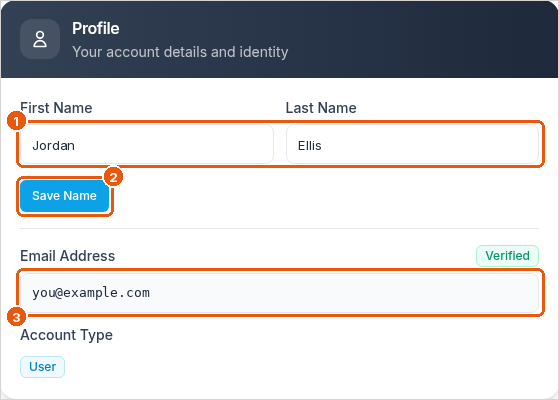
- Type your First Name and Last Name (callout 1).
- Select Save Name (callout 2).
Check your alert email
Your Email Address (callout 3) is where every match alert goes. A Verified label means we can deliver to it. If you need to use a different email address, contact support and we'll help.
Change your password
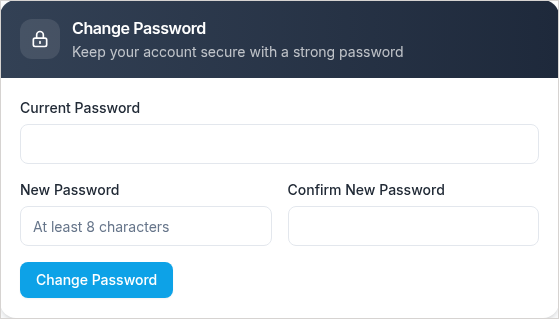
- On Account, scroll to Change Password.
- Enter your current password, then your new password twice.
- Select Change Password. Use the new password the next time you sign in.
See your plan
The Subscription card on the Account page shows your plan and how many watch slots you're using. For full details, open Subscription in the sidebar.
Related
Was this article helpful?