
Daily County Intelligence
Save and work leads
Keep the notices you want to follow up on in one place.
Last updated October 8, 2026
Plan: Daily County Intelligence · For: Businesses · Time: 2 min read
Saved Leads keeps the notices you want to follow up on, so they don't scroll out of your daily list.
Save a lead
- On Estate Opportunities or in Family Explorer, select Save Lead on the notice.
- The lead appears on Saved Leads.
Work your saved leads
- In the sidebar, select Saved Leads.
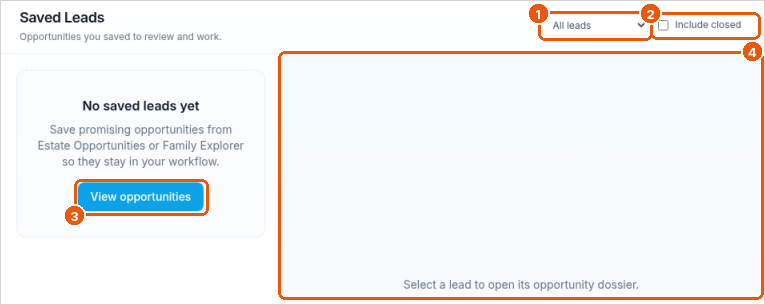
- Filter the list with All leads (callout 1). Check Include closed to show leads you've closed (callout 2).
- Select a lead to open its opportunity dossier on the right (callout 4).
- No leads yet? Select View opportunities to find some (callout 3).
Related
Was this article helpful?